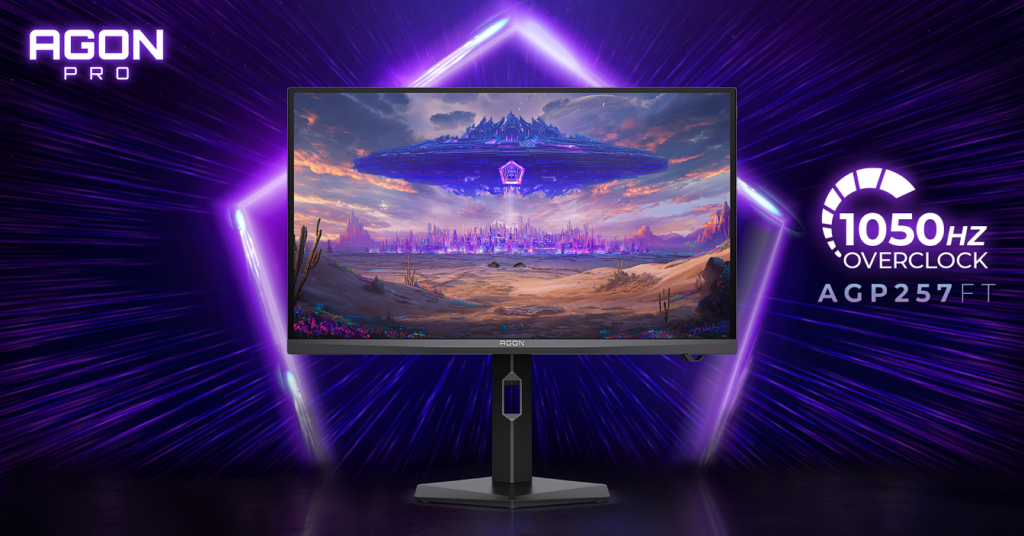
Having a high-end PC demands a high-end gaming monitor. And even though you won’t need 2160p, unless you really want to, the sweet spot is 1440p for those high FPS numbers on Ultra details. Regardless of that, today we are going to cover a 32″ gaming monitor with screen resolution 3840×2160.
The star of the show is AOC AGON PRO AG324UX which delivers so many amazing features that you will definitely love to have in your setup.

First of all, some of the main features of the AG324UX that make it irresistable:
- Screen size (inch): 31.5″
- Panel resolution: 3840 x 2160
- USB-C: USB-C 3.2 x 1 (DP alt mode, upstream, power delivery up to 90W)
- Refresh rate: 144Hz
- Response time (GTG): 1ms
- Panel type: IPS
- HDR (High Dynamic Range): Vesa Certified Display HDR 400
- HDMI: HDMI 2.1 x 2
- Sync technology (VRR): Adaptive sync (Freesync Premium after AMD Certified), G-Sync compatible
- Multiview: PbP and PiP
The list can go for days, but I will try to sum it all up through the article.

STAND DESIGN
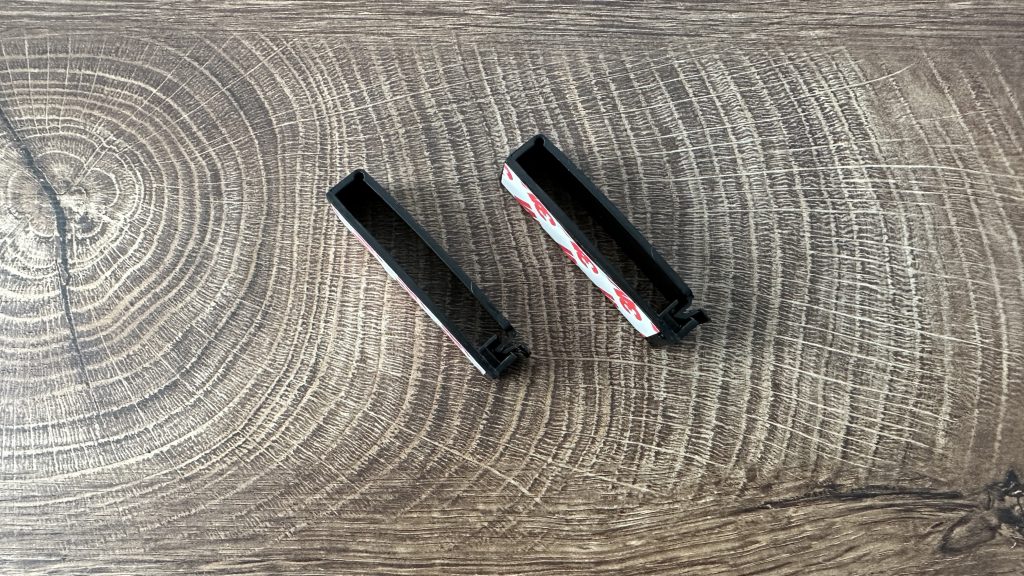
We have a bigger stand than usual which is definitely multifunctional. When I say multifunctional, I mean you can rotate, swivle, adjust the height and tilt the monitor because of it. With it you get two clips with double sided tape for cable management and on the connection part with the monitor you have four pins that are retractable so you can give power to the backside and bottom front LED lights and the bottom projection of the AOC AGON logo. Everything, from the LEDs to the AOC AGON logo is adjustable through the OSD Menu that you can access with the joystick at the right back side of the monitor or with a small rounded controller that you connect directly to the monitor.


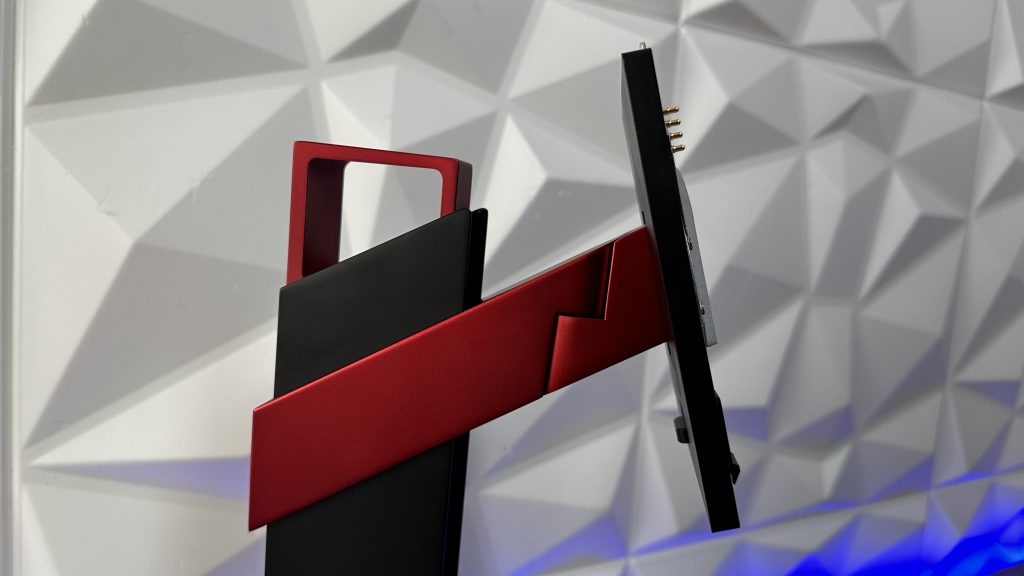


The only screw that you have to tie up is the one that connects the legs of the stand to the actual stand and the rest is just done by a slide in and click.


The bottom part of the stand have three rubber feet on each corner so it doesn’t scratch your table if you decide to move it around, but regardless of that, it is a bit on the heavier side so I think you won’t be carrying it around.
On the other note, the monitor placed on the original stand is a bit wobbly. Solving that means you either have to mount it on the wall with some wallmount arm or on the table with 3rd Party arm extension. But to be fair, it is a bit logical that the wobble happens since we have a huge screen and all the movement possibilities with the original stand. So my suggestion, if you loose a game or receive a headshoot, don’t rage quit. The monitor won’t fall of the stand, but it will definitely wobble if the table receives any sort of a push during that gaming session.
Monitor Design
Talking about the visual aspect of everything, we have 3-sided frameless bezel type and the bottom part of the front side of the monitor has an AGON logo in the middle where beneath it you have an LED strip that you can adjust the lights, as mention, through the OSD menu.
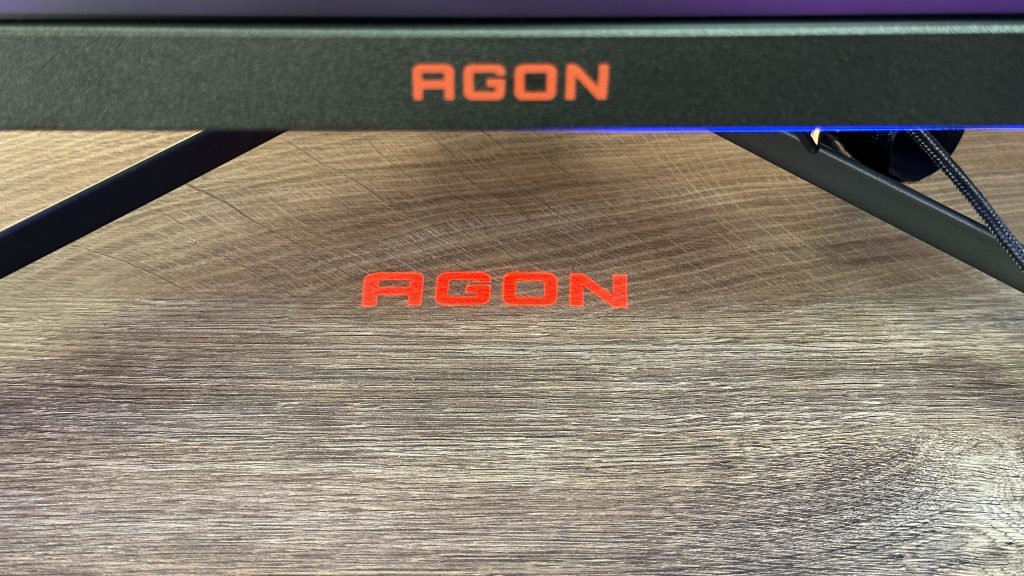
Just beneath it on the table, you can see the AGON or AOC logo (it’s up to you to decide what you want to be projected) can be seen which can be also turned off. I do have to mention that this logo only shows if you connect the monitor stand with the monitor since the small projector is on the bottom part of the stand. If you decide to place it on some wall mount or 3rd party arm, you will have to sacrifice the projector and go without it.
At the back side of the monitor we have 6 lines that are lit up with LEDs placed behind acrylic cover and even though it loooks really nice with them from the back, you won’t be seeing them at all. Also, the lights aren’t that bright to create some effects on the wall behind it or to give you some immersion of, so called, extended monitor screen if the lights would follow what is happening on your screen.


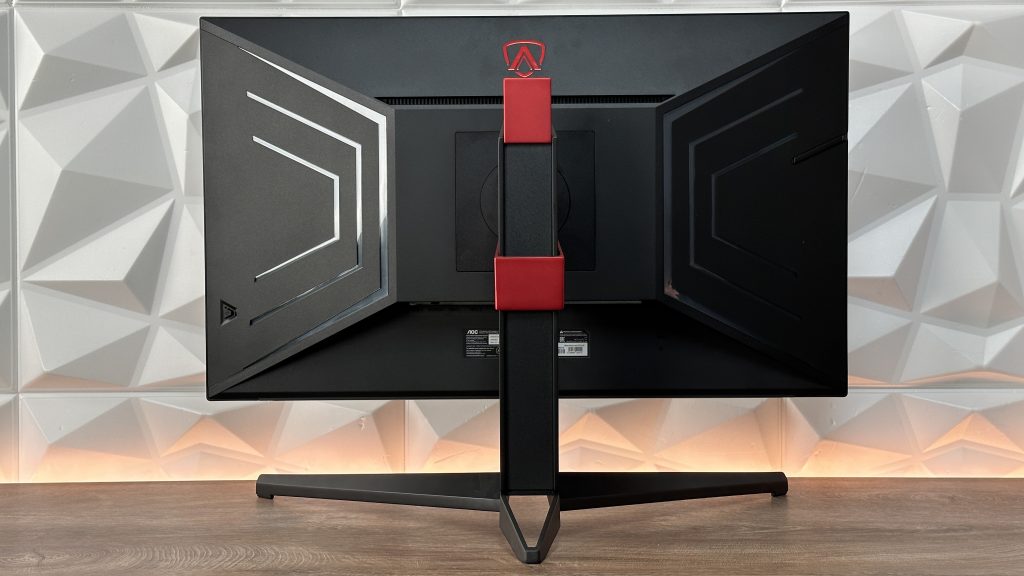
The height is adjustable by 130mm with the stand and as mentioned earlier, you can tilt it, swivel it and pivot it as well as rotate it. I would say almost full ergonomical design, but I do have to mention that the rotation only goes one way, in terms you can’t rotate on both sides when the monitor is horizontal.
If you push the monitor to the lowest point of the stand, you have 6.8cm of clearance from the table to the bottom part of the monitor, while pushing it up, you have 20cm of clearance from the table.
On the left side we have a retractable headset hanger which is quite handy and comapred to other monitor that have it as a flip-out hanger, this one is really nicely designed.

More specifications
Since the initial features and specifications aren’t just that, we have matt bezel and cabinet finish with black and red color scheme going throughout, two speakers with 8W of power + DTS which are suprisingly alright. Now, I always say if you want quality audio while watching your favourite movies or playing your favourite game, grab a headset or dedicated speakers and even if these are good, they still can’t beat a dedicated audio source. This is more something like if you need to listen to something quickly and you don’t have anything connected.
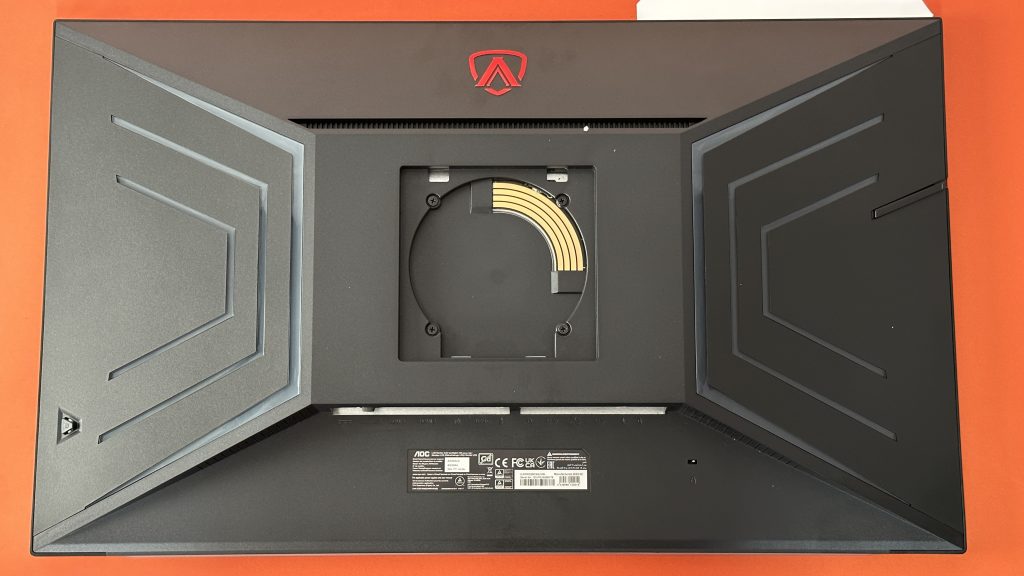
You can wallmount it with ease with the VESA Mount dimension 100×100. You just need to remove the stand and place the mount on the back side which is covered by it.

Gaming features are low input lag, game color, shadow control, motion blur reduction, crosshair / dial point, frame counter, quick switch and for some of you which might be important, it is suitable for console gaming with HDMI 2.1 on a resolution of 3840 x 2160 and 120Hz refresh rate.
Connectivity
As stated earlier, we have two HDMI 2.1, then one Display Port 1.4 (DSC), one USB-C 3.2 that can be used for charging up your phone, tablet, or power up your laptop while it still delivers picture to your monitor. Next in line is the USB HUB with USB 3.2, four USB 3.2 downstream ports and a headphone out 3.5mm jack.


Underneath the monitor, you can also find the connectivity for the controller for OSB menu, power on/off switch (which is personally the first time I am seeing on a monitor) and finally the power connector. Talking about power, we have a bit bigger brick of an adapter, but that is quite reasonable since it has to power up the monitor plus if you decide to charge or connect something through the USB-C with 90W of power delivery, you’ll need to have it.

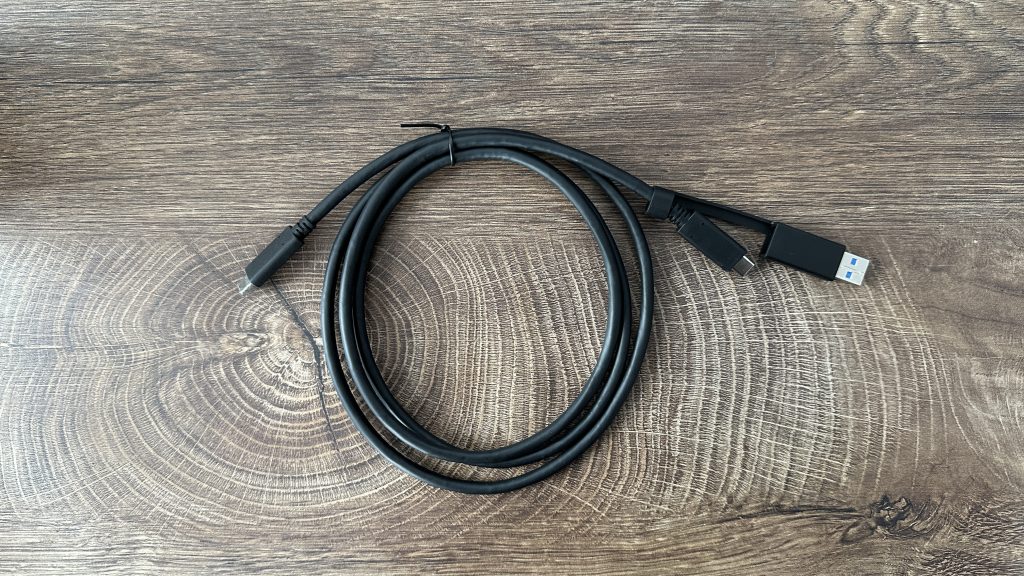
In addition to accessories that you get inside the box, you get one 1.8m HDMI cable, one 1.8m Display Port cable, one 1.5m USB-C to C/A cable, power adapter and OSD pad (as they call it).




OSD Pad is very simple to use and straightforward. Three buttons are dedicated for presets, then we have a BACK button, OK as a confirmation button and four arrows for navigation through the menu.

OSD Menu
Huge icons so you don’t miss anything and it is nicely designed as well, making it, funny but true, enjoyable to browse and adjust your AG324UX.


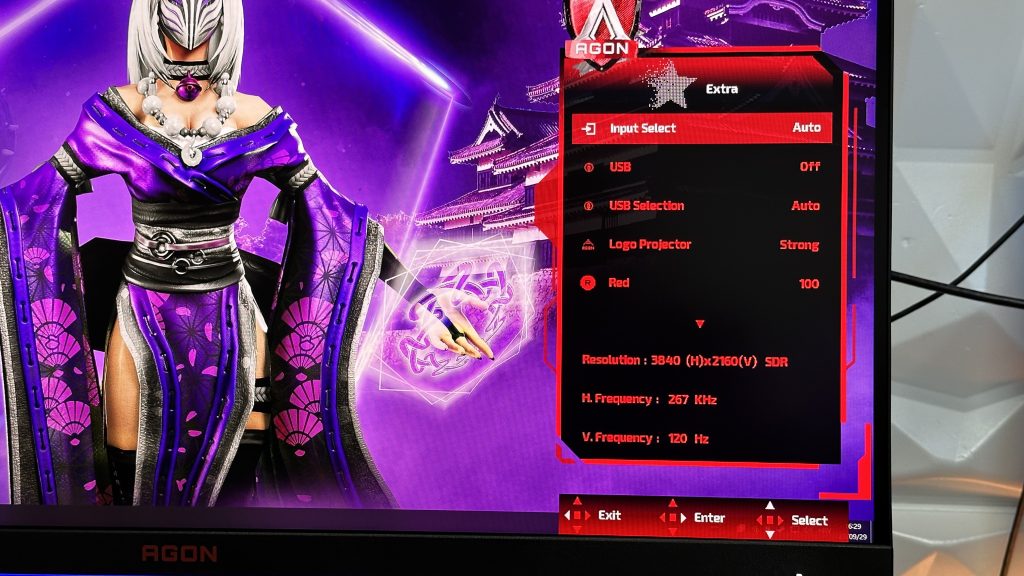


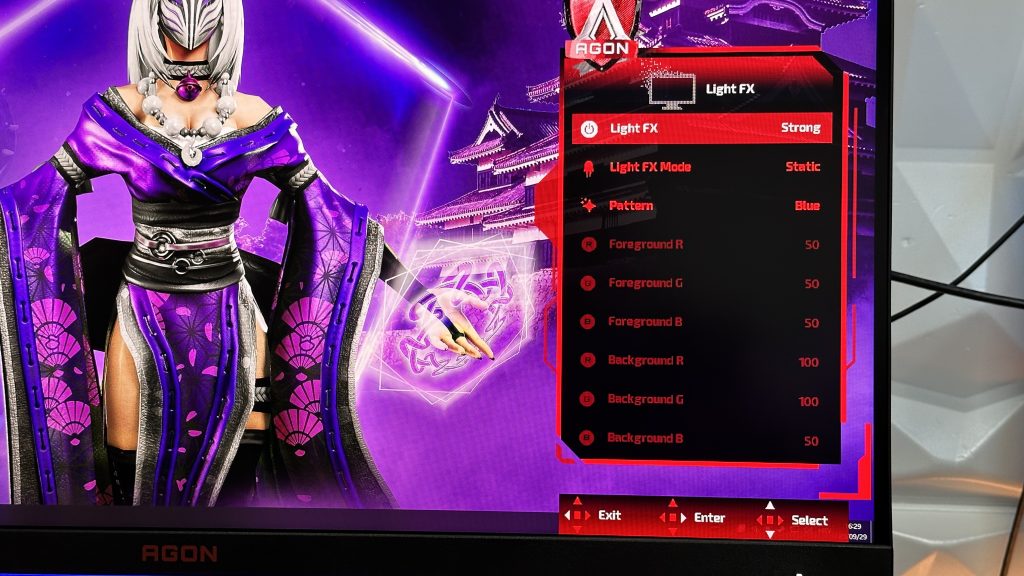
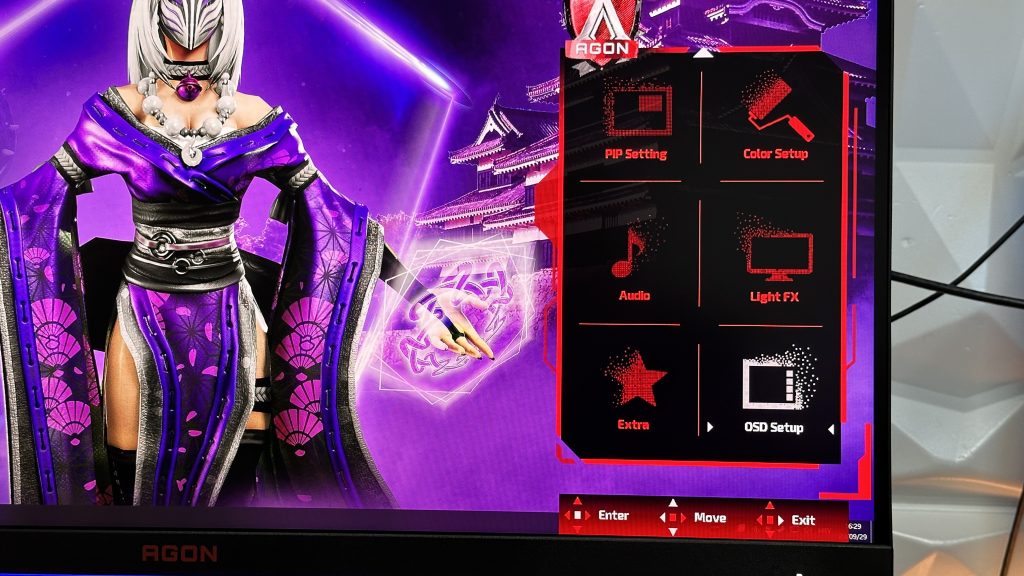
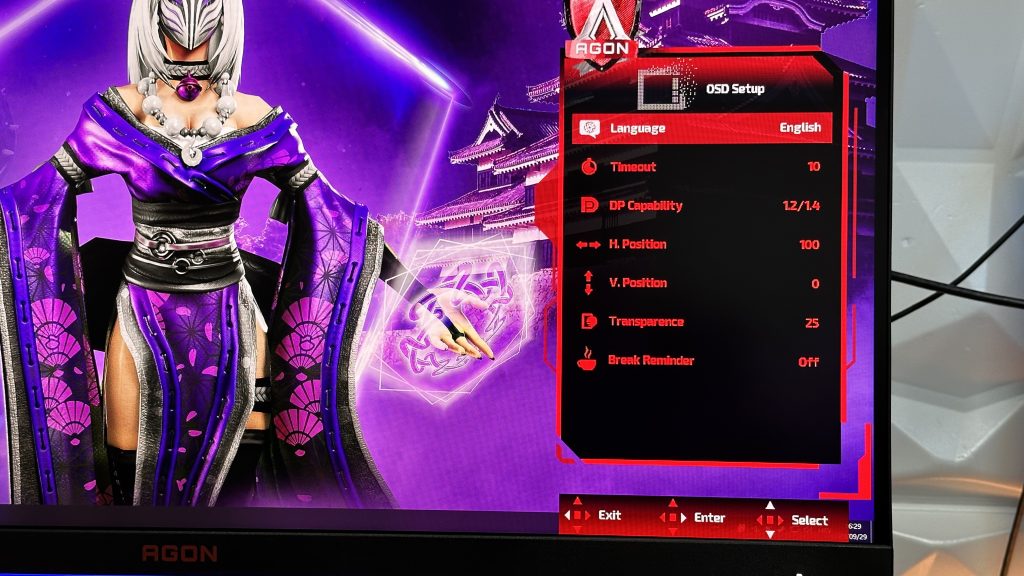
You can literally setup everything to your desire, from LightFX giving you an option to adjust the lights on front and on the back as well as the AOC and AGON logo, to the presets for gaming, movies, reading and so on. Gaming Style supported is MMORPG, Action, eSports, RTS, Beat-em up and Racing while you can choose from Game Mode presets such as RTS, FPS, Racing, Gamer 1, Gamer 2 or Off. Apart from all of the presets, you can adjust the color and everything else to your desire.


Now for who is this 31.5″ 4K gaming monitor? I would say more for casual gaming instead of competitive because of it’s response time and great for workflow. If you are into competitive gaming you will definitely go with something that has more fluidity when it comes to reponse and which is much quicker, where this one is really satisfactory to work on and to game on those FPS games, Battle Royal, Adventures in a casual sense giving you enjoyment in 4K resolution. The colors are insanely good right from the box, giving you less to tweak around the settings unless you want to adjust it to your specifical needs and liking. The stand also gives you multiple options to set it on your desk as you desire and the final finish is brilliant. All-around great gaming monitor which will bring a smile on your face, even though the price does vary a lot from US to Europe. Generally speaking, if you have a strong system, you need to have a monitor that will back it up and this might be a way to go. OSD menu, as mentioned in the last paragraph is really user-friendly with a nice GUI design which will give you an option to navigate it easily since it is easy to understand and comprehend all the information and settings.


If you are more of a person that would like to watch a review instead of reading it, there is always an option for that as well if you visit the link below which will take you to my YouTube channel with even more details on the AOC AGON PRO AG324UX.
Thanks for the read!