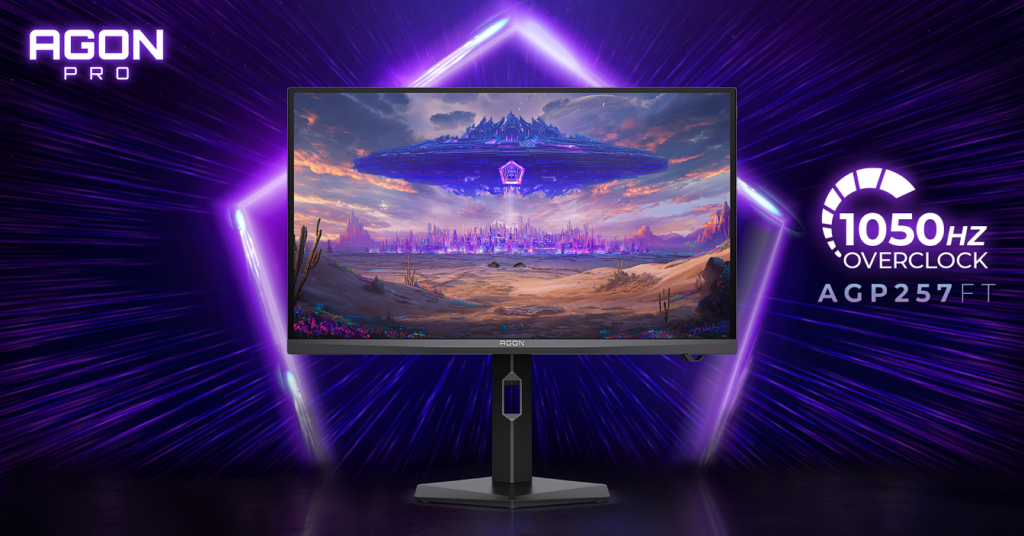
Today we are covering quite an interesting monitor which brings some minimalistic approach towards the design which includes stand, backside and of course front side with the logo of this monitor. In other terms, we are talking about the titled AOC AGON PRO Porsche Design PD32M, and like Porsche cards this one looks brilliant. Throughout this article you will be able to find out everything you need to know regarding this 32″ 4K gaming monitor which has some insane specifications, but also going to brake it down so you will know the pros and cons of it. At the end you will be able to check out our review video, if you are more into watching instead of reading.

SPECIFICATIONS
You already know two main characteristics of this PD32M, including the size which is 32″, then we have resolution of 3840 by 2160 pixels. Even though we have now 4K gaming monitors with higher refresh rate, this one has 144Hz which is still solid and should be quite enough when we take into consideration the resolution. Then we continue with other specifications where AOC AGON PRO PD32M features a HDR1400 VESA certified, 10-bit Mini-LED panel, peak brightness of 1600 nits, 1.07B colours and 97% DCI-P3; response time is 1ms (GtG) but to sum it all up in one go:
| Panel | 31.5″ (IPS) |
| Pixel Pitch (mm) | 0.181 (H) × 0.181 (V) |
| Effective Viewing Area (mm) | 697.3 (H) × 392.2 (V) |
| Brightness (typical) | 600 cd/m² |
| Contrast Ratio | 1000 : 1 (Typical) 80 Million : 1 (DCR) |
| Response Time | 1ms (GtG) |
| Viewing Angle | 178° (H) / 178° (V) (CR > 10) |
| Color Gamut | NTSC 133% (CIE1976) / sRGB 156% (CIE1931) / DCI-P3 122% (CIE1976) |
| Color Accuracy | Delta E < 2 |
| Optimum Resolution | 3840 × 2160 @ 144Hz – DisplayPort1.4+DSC, HDMI2.1; 3840 × 2160 @ 120Hz – USB-C |
| Display Colors | 1.073 Billion |
| Signal Input | HDMI 2.1 × 2, DisplayPort 1.4 × 1, USB-C (DP Alt, 90W) × 1 |
| HDCP Version | HDMI: 2.2 / DisplayPort: 2.2 |
| USB Hub | USB3.2 Gen1 × 4 |
| Power Supply | 19.5VDC, 16.9A (External Adatper) |
| Power Consumption (typical) | 80W |
| Speakers | 8W × 2 |
| Line in & Earphone | Earphone (combine with microphone) × 1, Microphone In & out × 1 |
| Wall-Mount | 100mm × 100mm |
| Adjustable Stand | Height: 150mm, Swivel: -30° ~ 30°, Pivot: -90° ~ 90°, Tilt: -5° ~ 20° |
| Product without Stand (mm) | 425.5 (H) × 715.2 (W) × 63.2 (D) |
| Product with Stand (mm) | 462.5 ~ 612.5 (H) × 715.2 (W) × 290.1 (D) |
| Product without Stand (kg) | 8.29 |
| Product with Stand (kg) | 11.52 |
| Cabinet Color | Black & Grey |
| Regulatory Approvals | CE / CB / FCC |
DESIGN
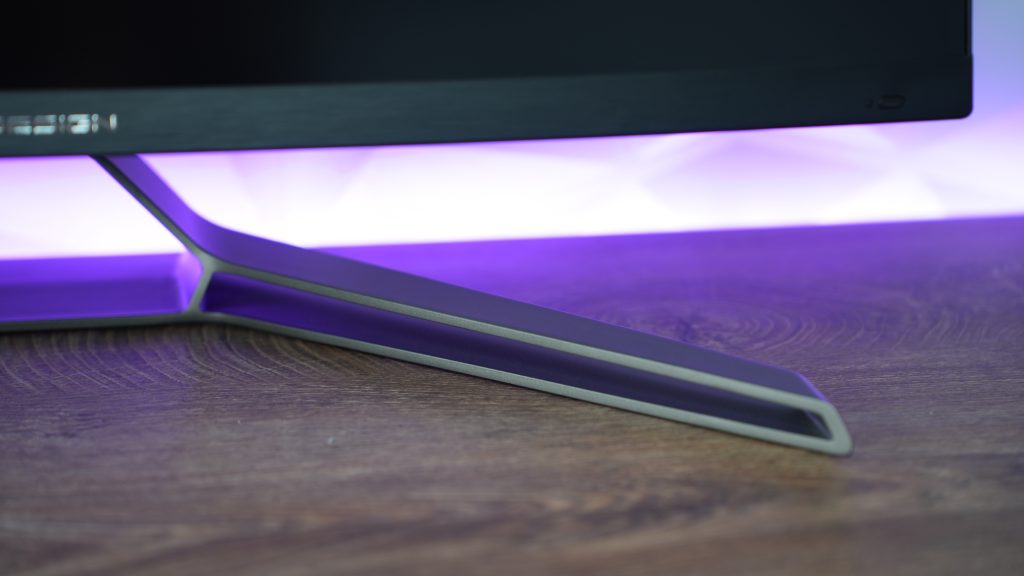
Apart from the stand that looks oustanding with the lines that definitely resemble to Porsche in general and the monitor which has clean lines and nice subtle logo of PORSCHE DESIGN right in the front middle part, we have thin bezels which still have 5mm of space between the edge of plastic and where the actual picture starts. But that shouldn’t worry you too much because other brands have similar “problems” as well.
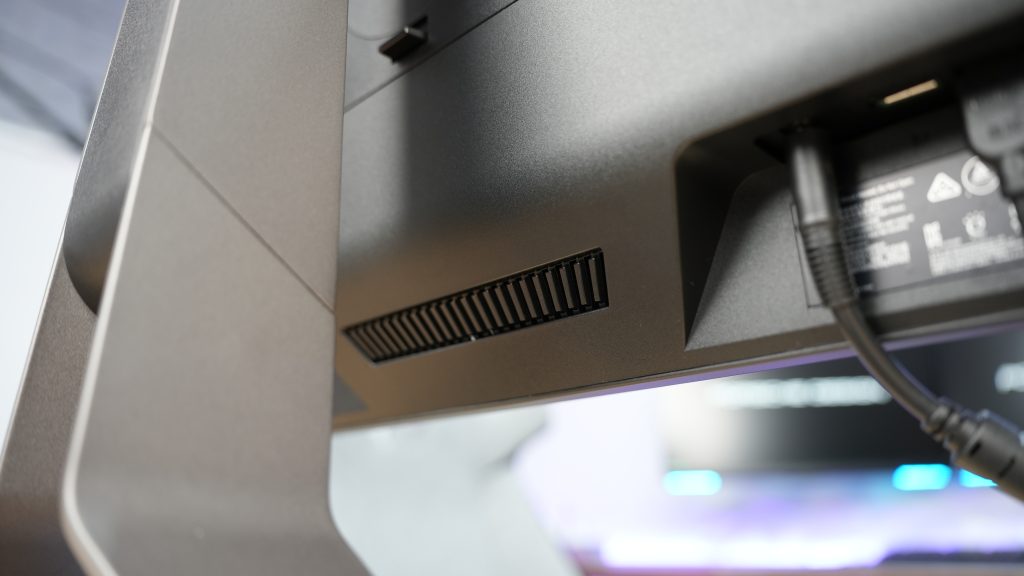
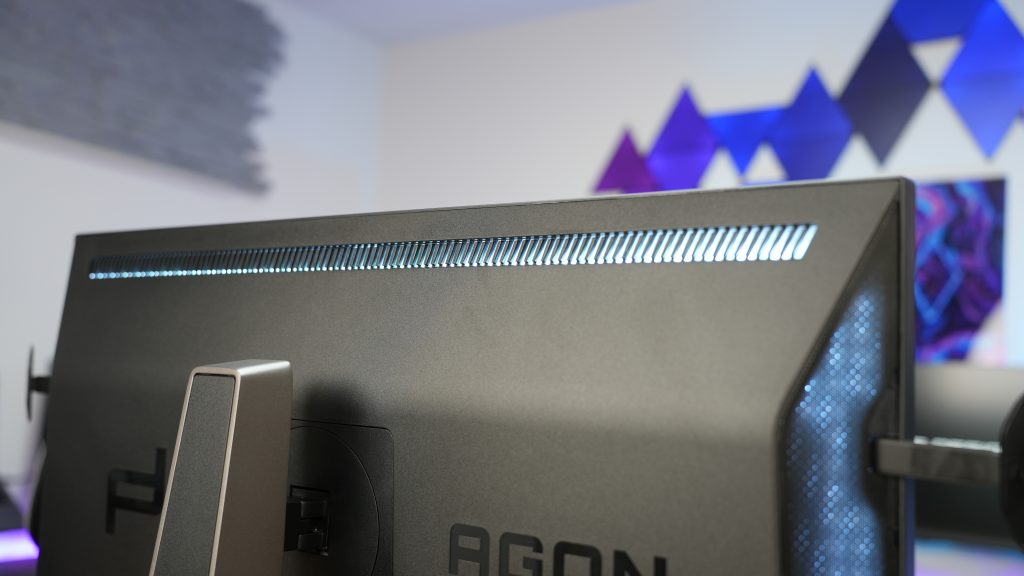
Back side is actually more interesting than the front having three RGB sections that light up, but still not enough bright to paint the wall behind it and to give us some sort of a immersion while transferring the light towards it. Regardless, left and right side have a significantly large portion of the backside covered in RGB lights as well as the top part where is actually some sort of an exhaust for the hot air.
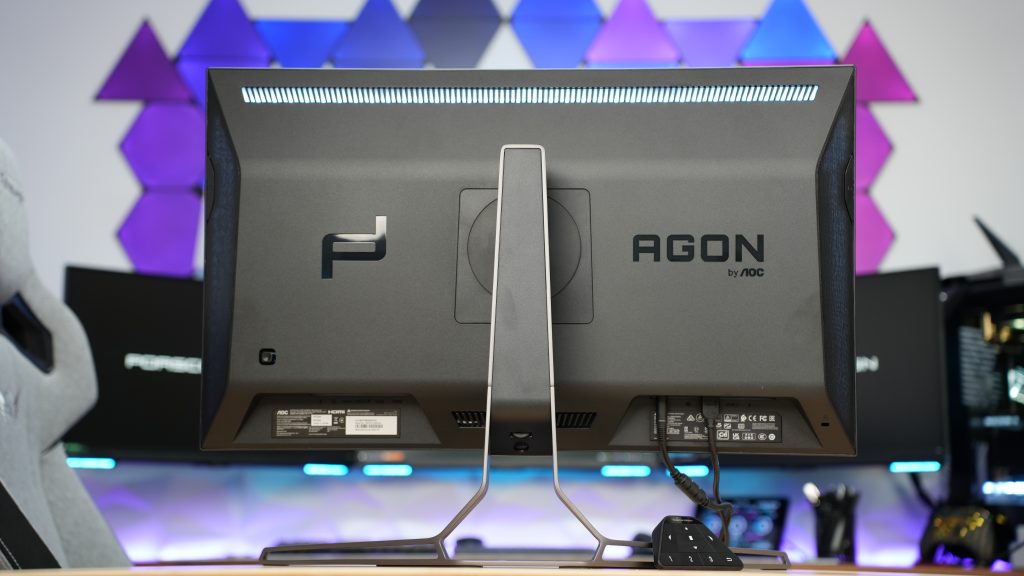
Now if you take a closer look at the back side, on each side you have something really cool and handy which will definitely be appreciated from you that play with your headsets on. No, not the actual speakers that it has, but we are talking here about extractable headset hanger on each side that comes out of the monitor just by push of a finger.

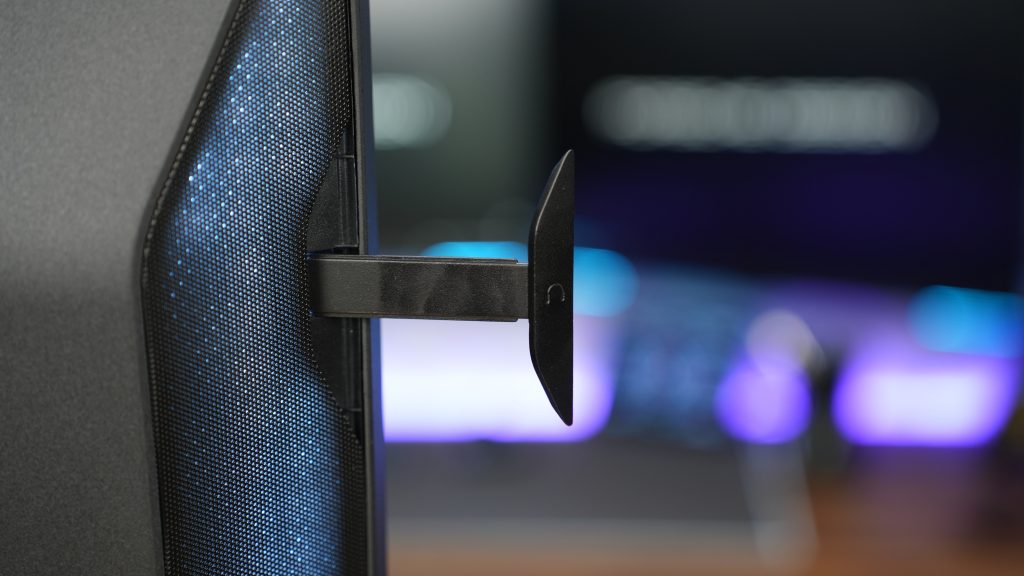
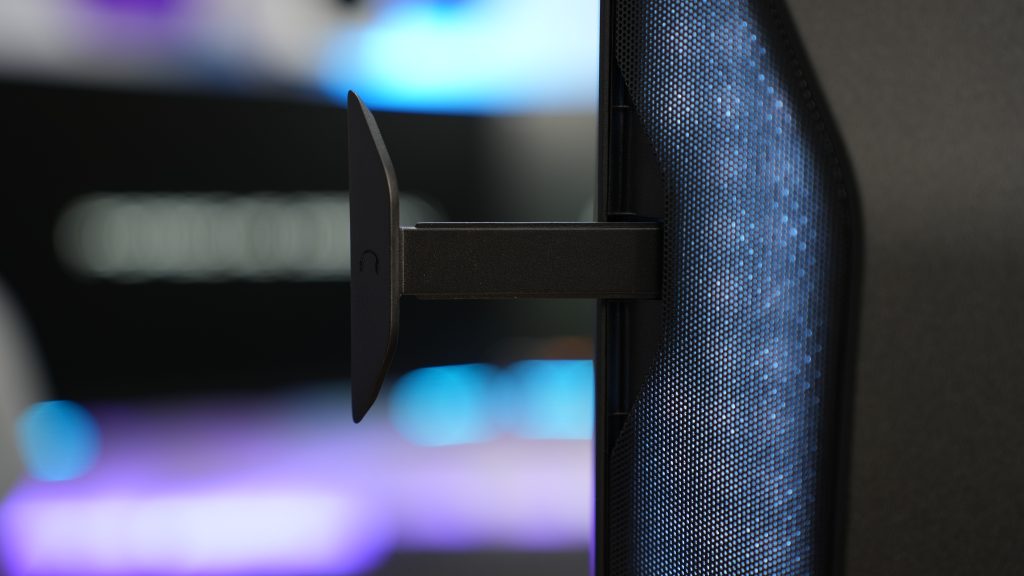
The hanger is quite useful, but on the issue with it, since it is made out of metal, it gets heated up from the inner part of the monitor (which we will talk about quite soon) and is very thin. For gamers that have regular fabric material on headbands of your gaming headsets, that won’t be a drastical issue. But for those of you who actually have leatherette headband on them, we are honestly concerned how will that impact it in terms will it melt it even though it isn’t that high temperature to melt leatherette but it will surely make some dent in it if it stays long enough while it is heated up. Shouldn’t be a problem if it is constantly placed like this and the headsets are placed on them except for the dent in. Very useful, but trickly at the same time.
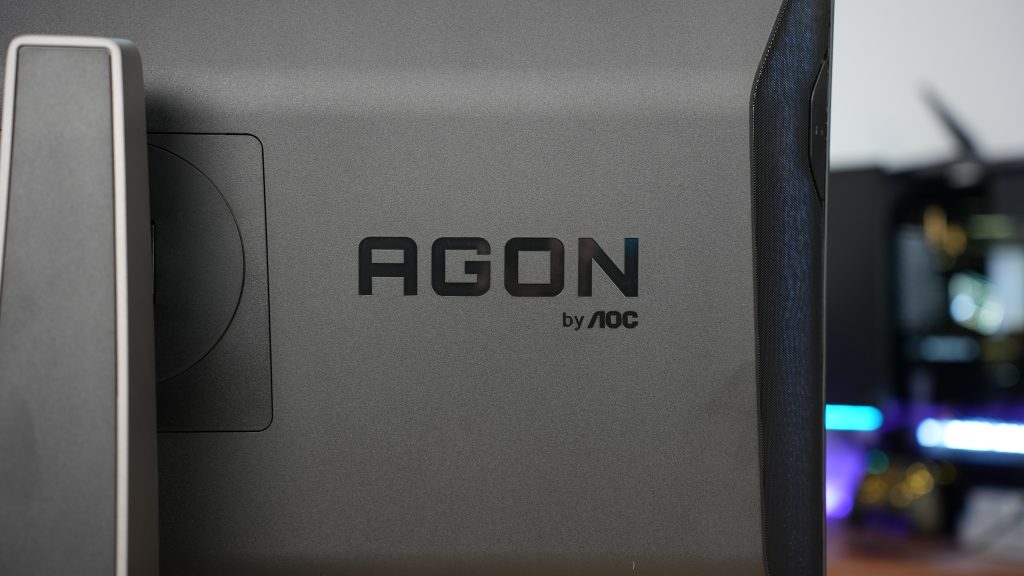
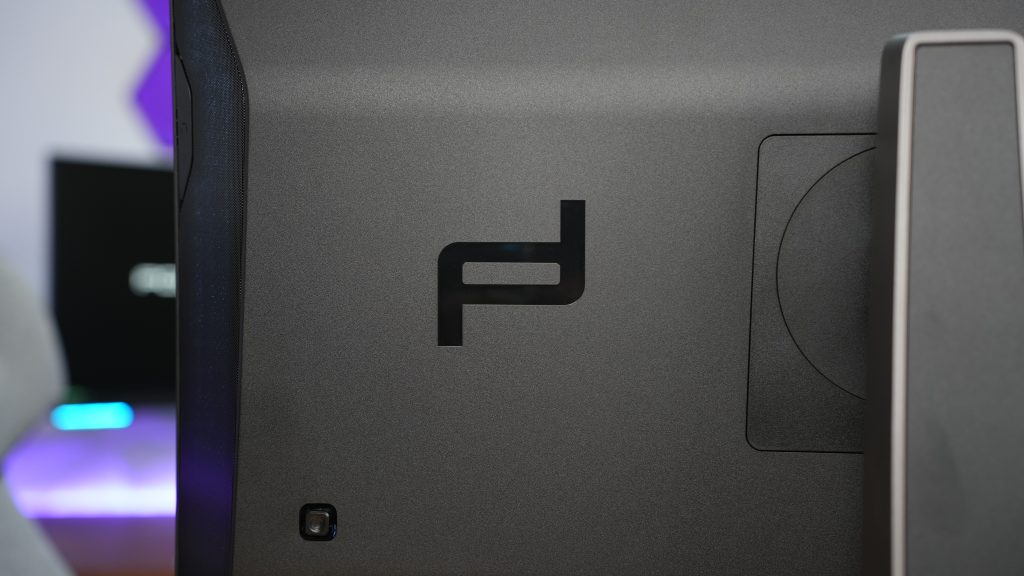
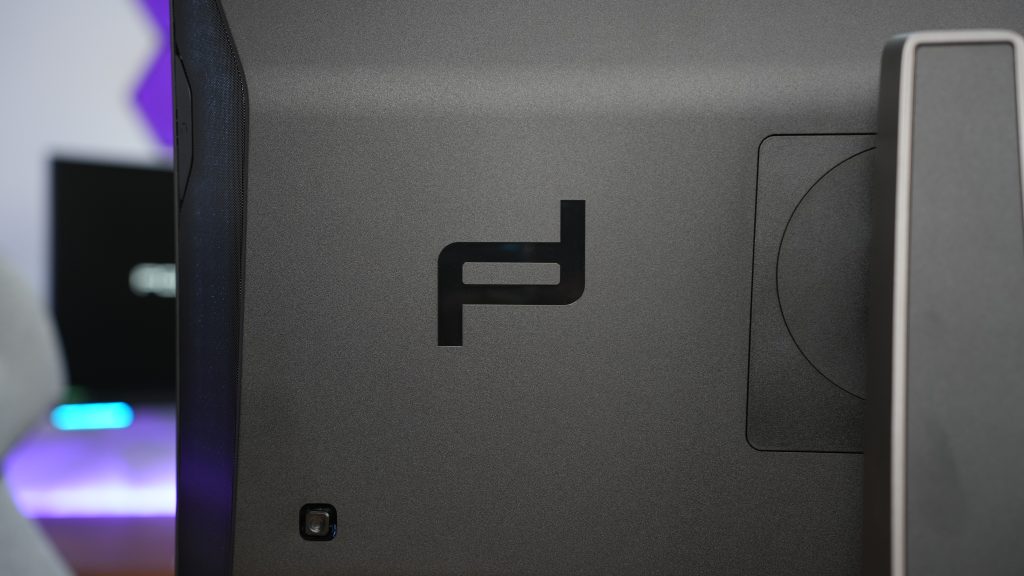
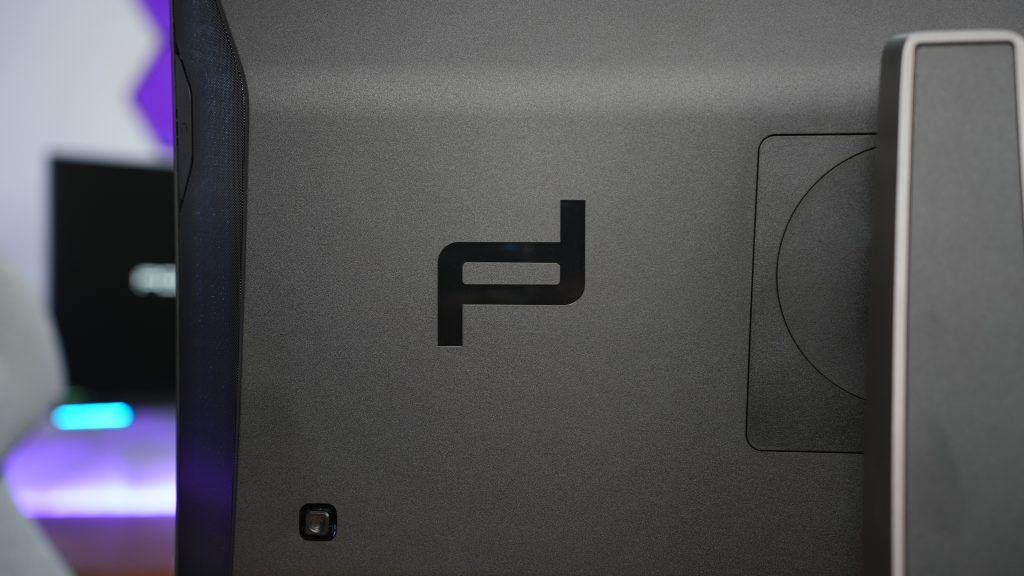
Now the back side also has two huge logos imprinted with gloss color, PD for Porsche Design and AGON by AOC. In some words, totally irrelevant since you won’t be seeing it at all.
Finally we get to the stand part. Huge, robust and even the slide ALMOST makes the sound of the cars engine. If that was on purpose then this is outstanding.
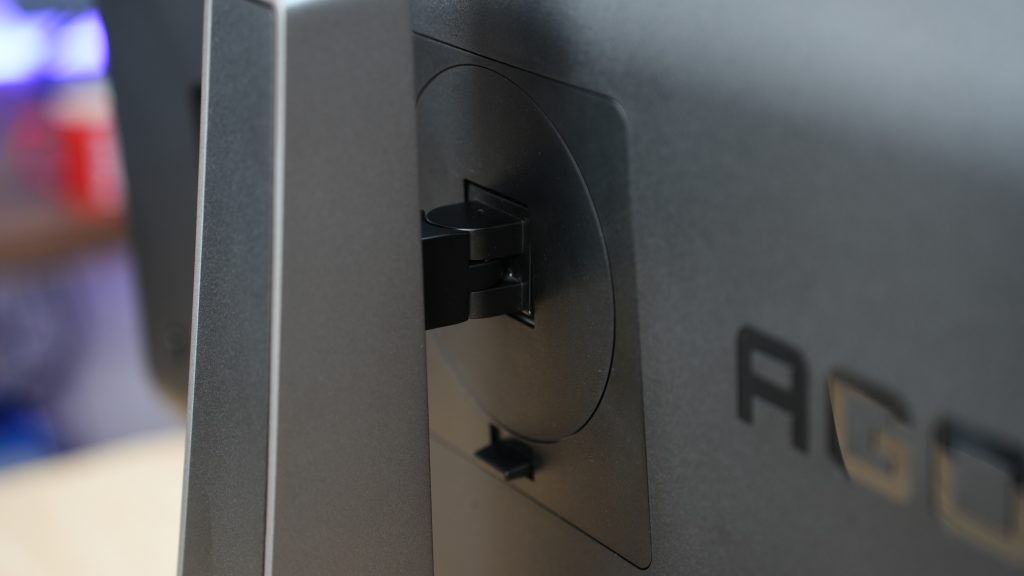


Further more, the stand is adjustable with these measurements:
| Adjustable Stand | Height: 150mm, Swivel: -30° ~ 30°, Pivot: -90° ~ 90°, Tilt: -5° ~ 20° |
We would say, even flexible than we expected so that is good. The biggest change that we noticed from the past Porsche Design AOC AGON monitor that we reviewed is the possibility to remove the stand entirely and get the acces to the VESA mount 100×100. Past model has the stand fixed to the monitor and it arrived as such, which was a total bummer, but they obviously listened or noticed they should place that as well. This way you are loosing the only thing that resembles to the Porsche, the stand.


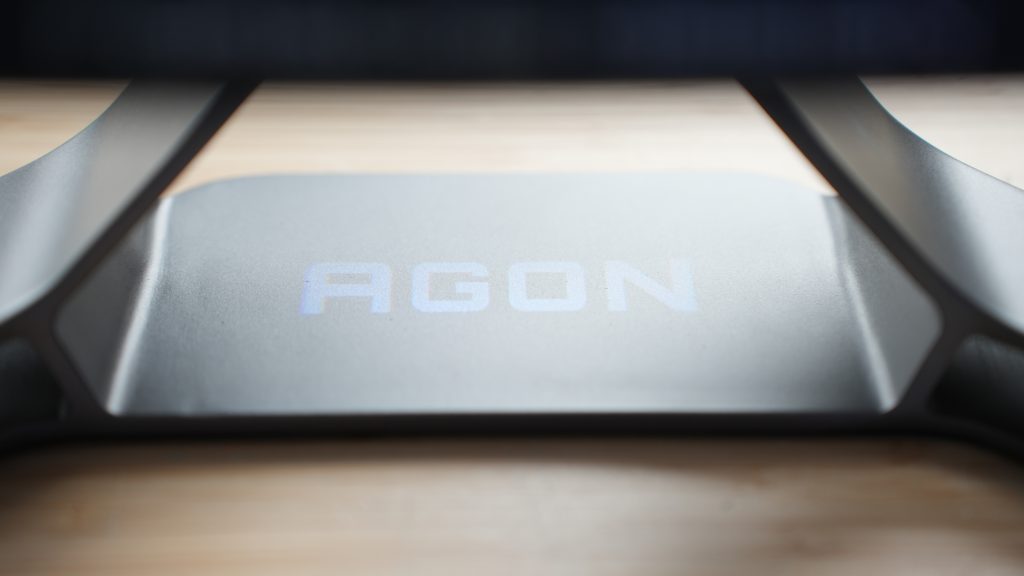
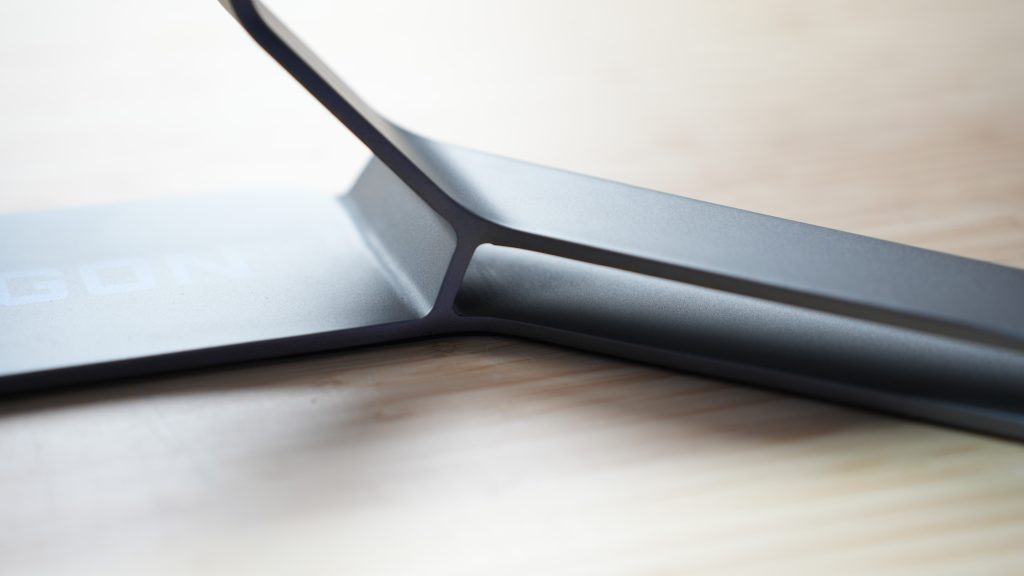
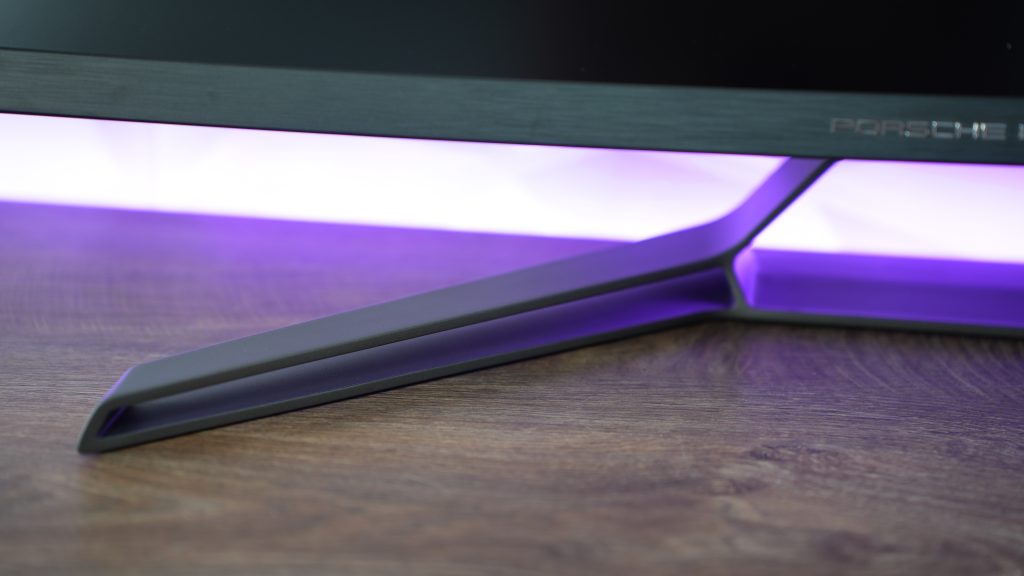
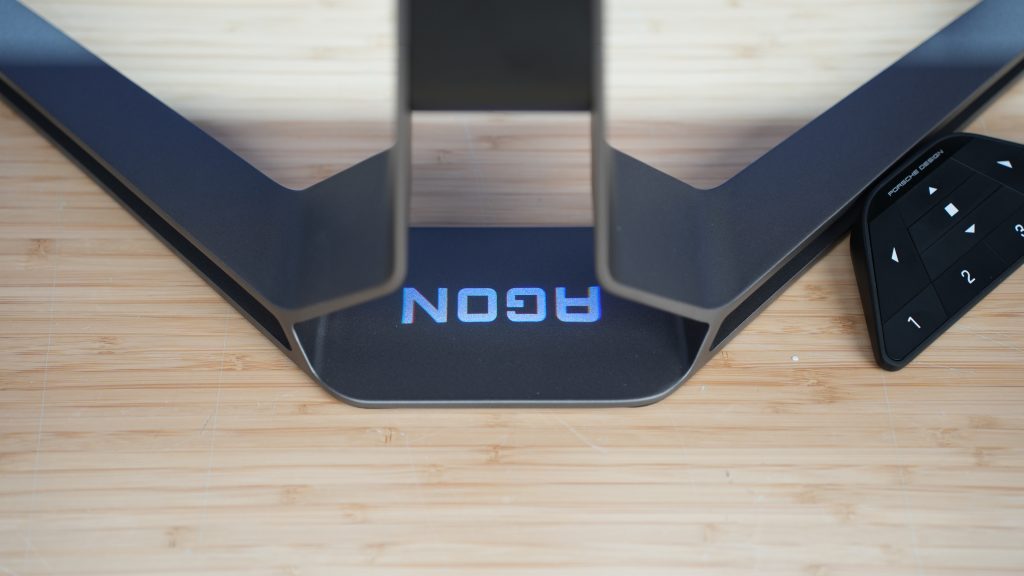
And with removing it you are also loosing the logo projection on your table where you can choose from PD or AGON, it’s up to you. With that, it is fairly minimalistic monitor design where the only thing on the VESA mount stands out is the headset hangers and the back side you don’t see.
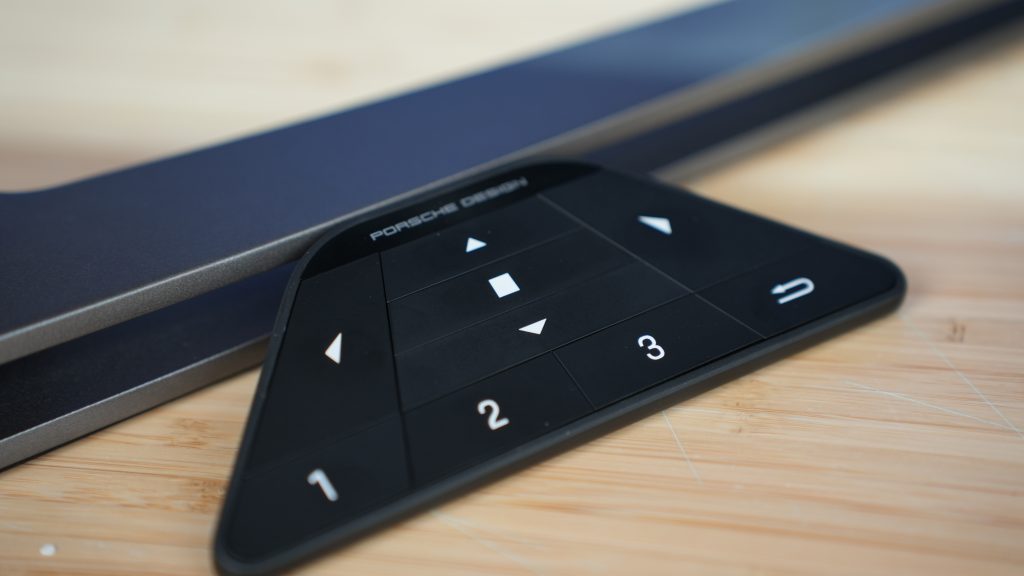
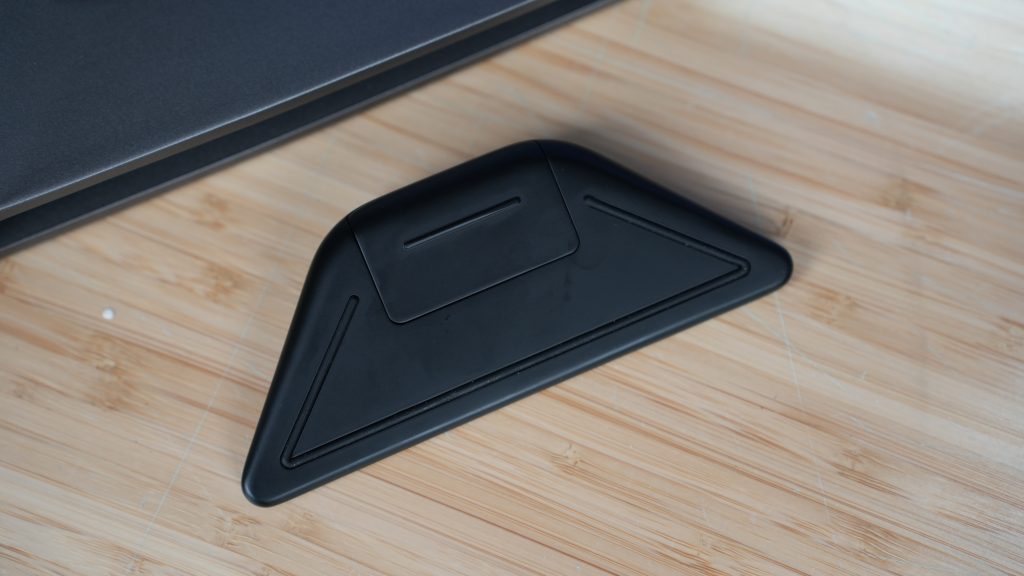
In addition to the visuals, which also kind of adds some part to it is the wireless gaming keypad. That is what they call it, even though we are not certain why is it called gaming since you can’t game on it. This is basically a shortcut keypad that lets you quickly switch between display settings in different genres of games, like FPS, RGB, racing and others plus you can navigate through the OSD menu with easy. The best thing about it, it is wireless, or should we say properly, you are connected with IR to the monitor, so don’t block the back part of the wireless keypad or you won’t have connection and everything you press won’t be registered. Somethings you just have to learn the hard way like we did.
CONNECTIONS & OTHERS
Now this is the part that also gets interesting because PD32M is packed with loads of ports that will give you accessability in all segments.
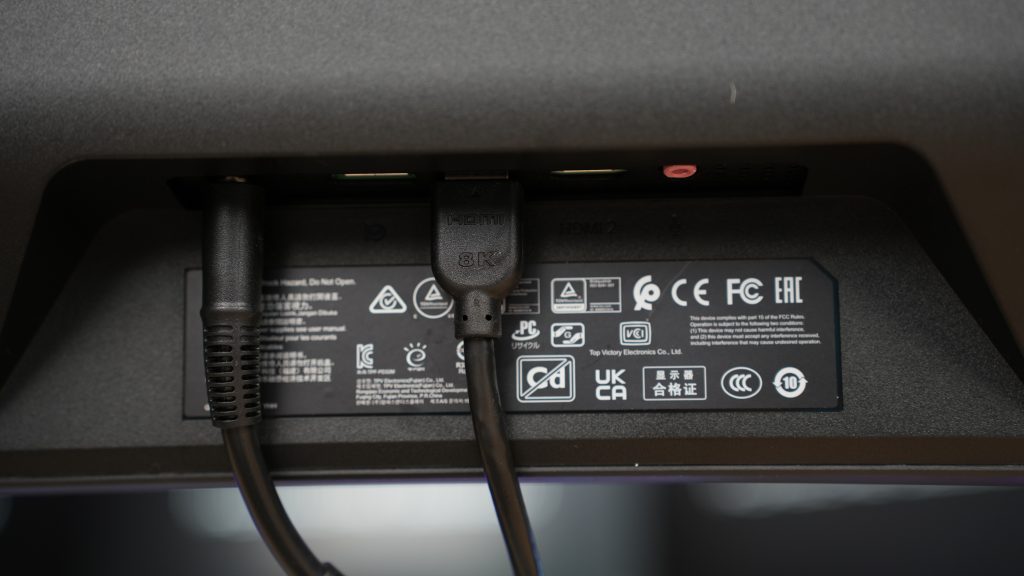
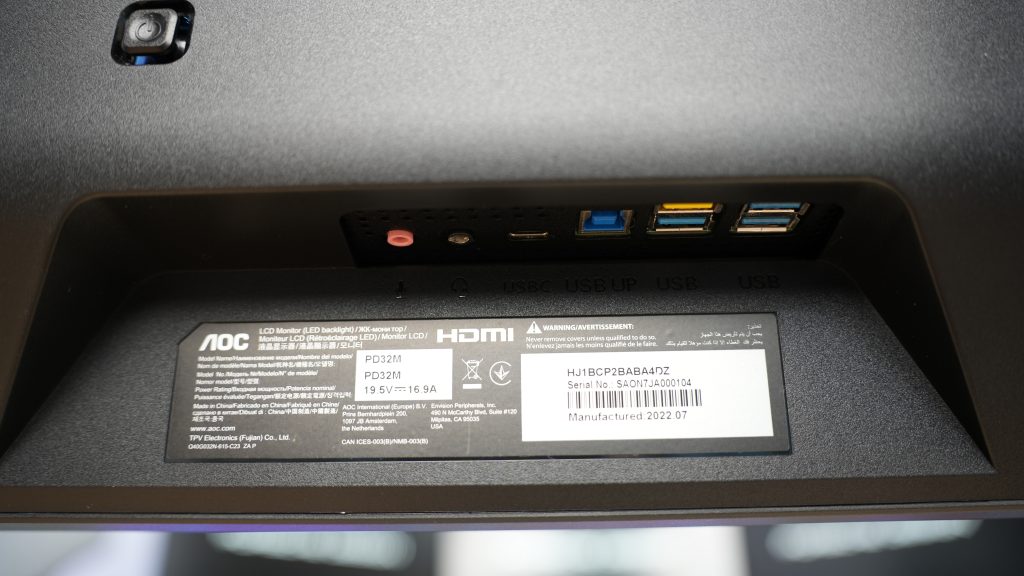
Let’s start with the KVM switch which enables you multi-device access. You’ll be able to connect your mouse and keyboard and use them between multiple computers while the possibilities expand with the PbP multiview. Basically, what it does it separates the screen in half, displaying output from two different devices simultaneously that you are using. Honestly, quite outstanding when we are talking about workflow and multitasking.
Not to actually talk about connections:
| Ports | 2x HDMI 2.1 1x DisplayPort 1.4 1x USB Type C (DP Alit, 90W) 4x USB 3.2 Gen1 (USB HUB) |
Quite straight forward we would say with connectivity, and then we have a joystick to navigate through the OSD menu as well as turning the monitor on or off.

Now we are not a big fan of monitor speakers as if you are buying such an expensive monitor, you could eventually spare some extra cash for a decent speakers. Regardless of that, we have two 8W speakers which are DTS Sound-certified. Sound is solid and only that if you are an audiophile, because you will notice everything you are missing out not using proper speakers or some quality headsets. Just for the sake of it, they are there, they are better than others and that is it.
PICTURE
Viewing angle is regular for the IPS panel so there is no point in discussing that further. There is no noticable or at least we didn’t notice any backlight bleed. The gaming experience as well as watching movies is insane becazse we have bright and sharp image with tremedous color saturation, very color accurate and the part in movies or games when it enters dark areas, you can clearly see what you have to see. This is because of the local dimming which creates deep contrast and we can say it is very effective. Next to that, we have Display HDR 1400-certified and wide color space of 97% DCI-P3 which brings us to a class-leading HDR quality without a doubt. No pictures for this segment. We left that part for you to enjoy on the actual video review on the YouTube channel below:
PROS AND CONS
There is a lot to talk about here. When we take into consideration resolution, refresh rate and frequency response paired up with all the ports, KVM switch, display panel and all of the features, you would say that this monitor is outstanding without a doubt. Not to mention the brilliant, minimalistic design with that cool wireless keypad. I will repeat myself, we have bright and sharp images with brilliant color saturation, very color accurate; effective local dimming that creates deep contrast and class-leading HDR quality. Gaming performance is definitely on par with some of the best 4K displays on the market and as mentioned, premium design and build quality. Last but not least, we finally have a VESA mount to place the monitor on the wall.
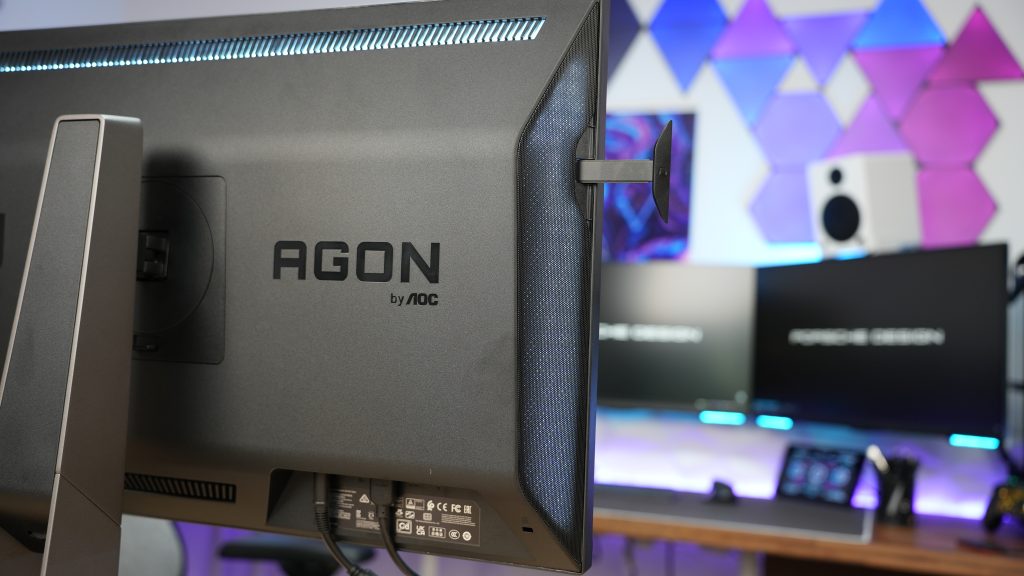



On the other hand and what will definitely turn you away from it, unless you are hardcore Porsche or AOC AGON enthusiast is the price. Running really high, reaching $1.799 or almost €2.000 is something that isn’t justifyable unfortunately. The specs and design are ok, but definitely not for this price, because for the same price you can get two or even three monitors in that similar specs like we mentioned in our YouTube review video. Next in line is that there is no backlight strobe, heats up somehow for unknown reasons and you can check out the difference in thermals in the YouTube video because we did record that part and to give you more insights on that. Finally, worst cable management. Even though the monitor stand looks oustanding without a single doubt, there is literally no cable routing canals or somewhere to push through those cables which then dangle freely from the monitor making the whole experience totally undesireable. Since we tend to do our builds and setups with maximum effort to perfect the cable management, this gave us a bit of a headache.
At the end, you can always check out that YouTube video for more details and if you prefer to watch instead of read. There is an option for that as well. Until next time.